Individual accounts and roles
Each colleague signs in to their own account. Roles determine access to templates, draft preparation, publishing, team management and billing.
 For institutions
ACCESS AND VISIBILITY
Manage public visibility, separate preparation from publishing and keep participant contact details outside the public certificate record.
Read the privacy information →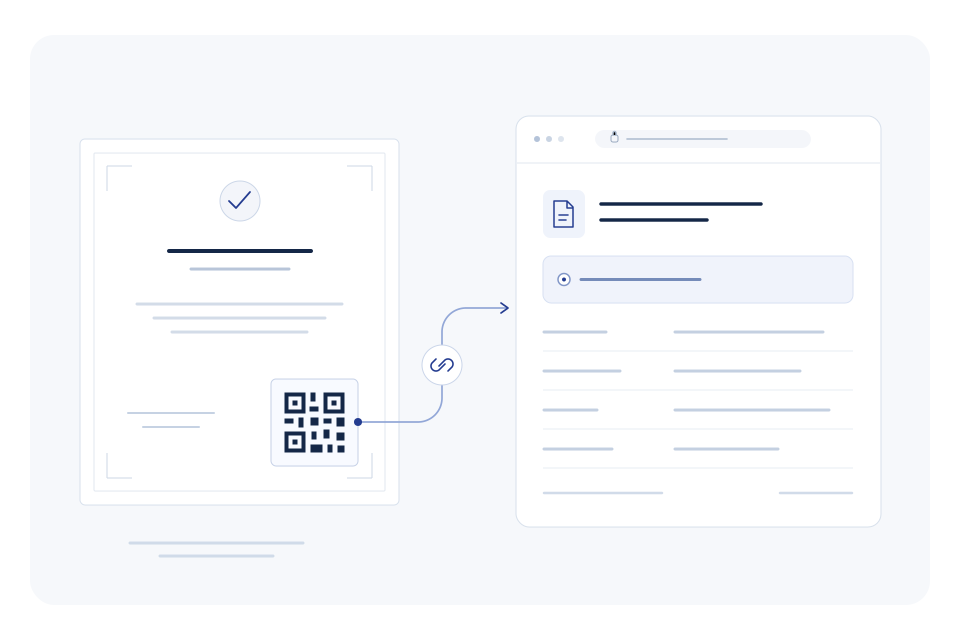
Each colleague signs in to their own account. Roles determine access to templates, draft preparation, publishing, team management and billing.
Certificate and template actions are limited to the organisation the signed-in user belongs to. Users with several memberships can switch between their organisations.
The issuer chooses whether the holder’s name appears on newly prepared public records. A hidden name is not displayed to visitors.
Public PDF access is a separate setting and requires holder-name visibility. When it is off, visitors cannot open the certificate PDF through the public record.
Publishing, revocation and organisation management actions create activity records. A revoked certificate keeps a record showing its updated status.
The QR lookup tool processes camera frames and selected images in your browser. It uses a recognised VerifyInt link or verification code to open the record.
Send the team your enquiry. For an individual certificate, include its verification code.