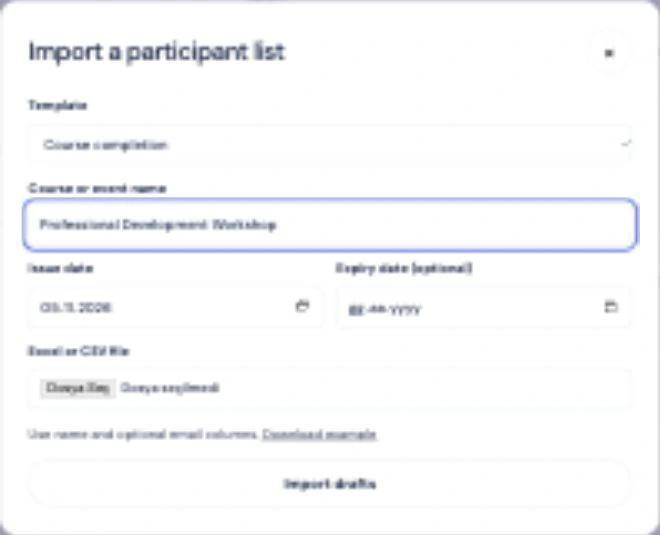
Upload your list
Choose a template and import participant names with Excel or CSV.
 For institutions
PRODUCT GUIDE
Set up your certificate template once. For each course or event, upload the attendee list, check the details and publish the certificates together.
Choose a template and import participant names with Excel or CSV.
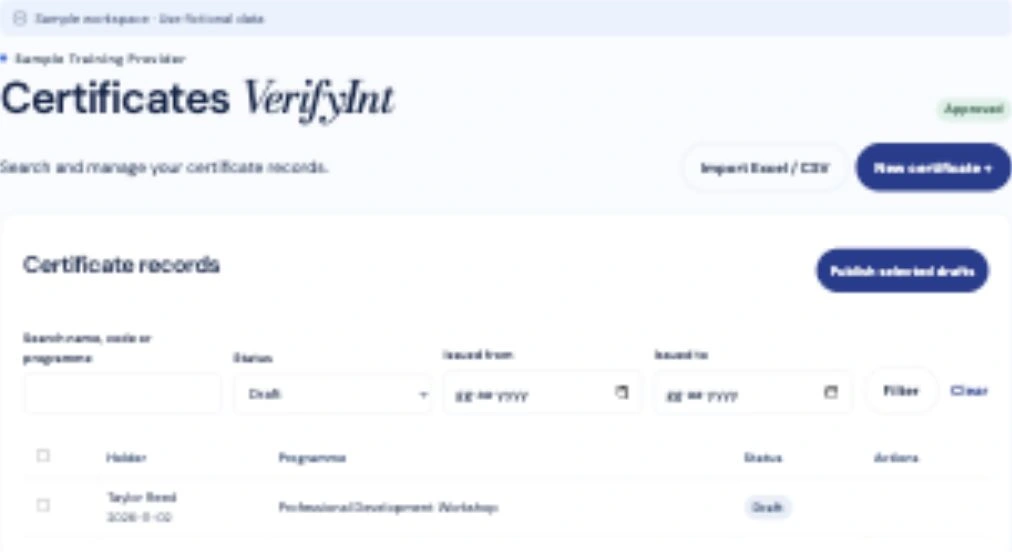
Check names, programme and dates before anything is published.
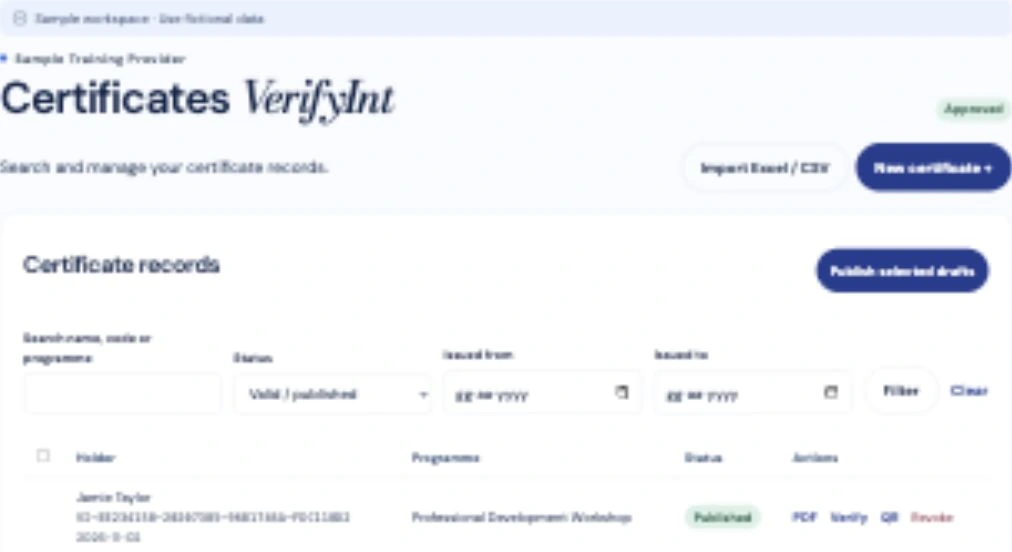
Create PDFs with unique codes. The QR opens the current record.
 SPECIMEN
CERTIFICATE OF COMPLETION
Professional Training Issued to Alex MorganVI-SAMPLE-2026
Upload your design and choose where the name, course title, date and QR code will appear.
Start with a PDF, PNG or JPEG. Save the layout once and reuse it for each new group.
Explore the details →Upload a spreadsheet, check the entries and publish. VerifyInt gives each attendee a PDF with its own QR code and reference.
Prepare one certificate manually or import up to 1,000 rows as drafts. Your plan quota applies when you publish.
Explore the details →Scan its QR code or enter its reference. The verification page shows who issued it, which course it relates to and its current status.
If a certificate is revoked, its link shows the updated status. The record displays the holder’s name when the issuer has enabled it.
Explore the details →Separate template preparation, publishing approval and billing. Invite people to the same workspace with the role they need.
Owners can manage access. Editors prepare drafts and reviewers publish or revoke them.
Explore the details →