One document, one reference
Each published certificate receives a unique code and a QR link to its record.
 Register
A RECORD PEOPLE CAN CHECK
A QR scan or verification code opens the same certificate record. The visitor can compare the issuer, programme, dates and current status without creating an account.
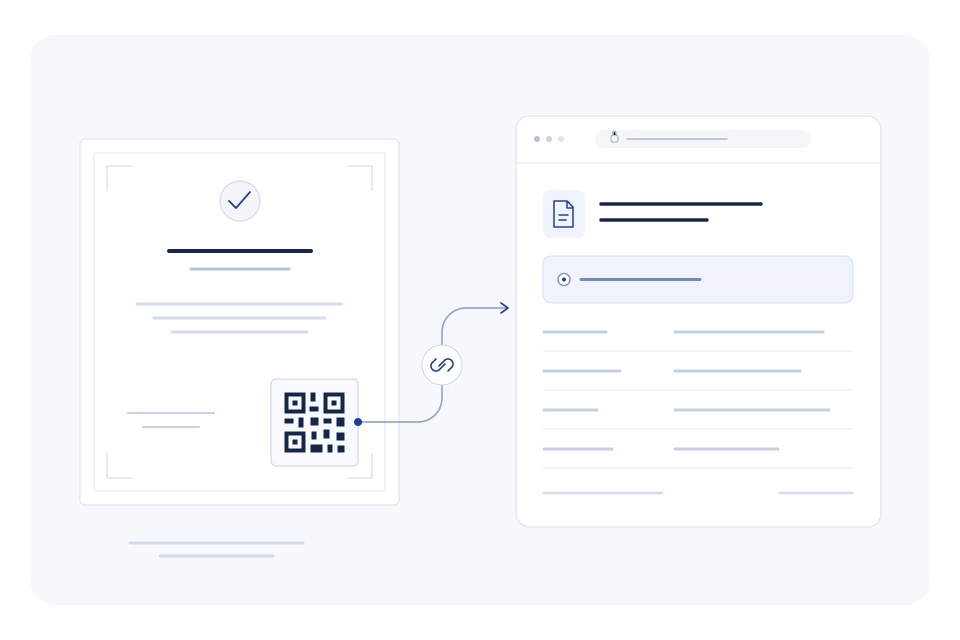
Each published certificate receives a unique code and a QR link to its record.
The same link shows whether a registered certificate is valid, expired or revoked.
The issuer chooses holder-name visibility and whether the certificate PDF can be viewed publicly.
YOUR WORKFLOW
VerifyInt creates the QR and unique code as part of the publishing process.
Send the PDF or give the recipient its verification link.
The visitor scans the QR or types the code and compares the details with the document.
IN PRACTICE
An employer receives a training certificate. Scanning its QR opens the issuing organisation and current record, so the displayed programme and dates can be compared with the PDF.
Talk through your workflow → SPECIMEN
CERTIFICATE OF COMPLETION
Professional Training Issued to Alex MorganVI-SAMPLE-2026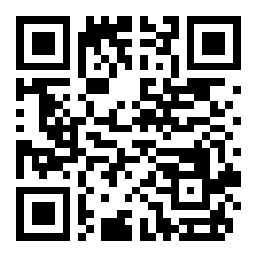
A FEW DETAILS
No. Public certificate lookup works with a verification code or QR.
Its registered record shows the revoked status. The issuing organisation should be contacted about the reason or a replacement.
The record reports the certificate issued by the organisation. Programme approvals and professional eligibility must be checked with the relevant issuing or regulatory body.