Fewer repeated entries
Import participant names and optional email addresses instead of entering each one separately.
 For institutions
FROM A LIST TO INDIVIDUAL CERTIFICATES
Bring your Excel or CSV list into the workspace. Review the draft records, then publish a certificate with its own QR and code for every participant.
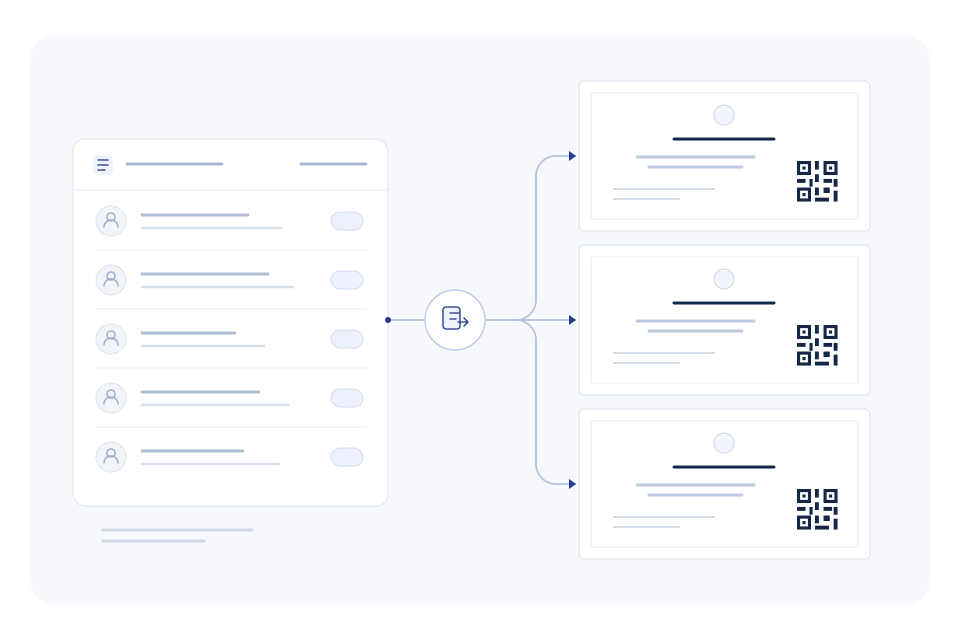
Import participant names and optional email addresses instead of entering each one separately.
Check the programme, dates and participant records while the certificates are still drafts.
Publishing uses your active plan allowance. Draft preparation and public verification are separate steps.
YOUR WORKFLOW
Use an XLSX or CSV file with a name column and, if needed, an email column. Up to 1,000 rows can be imported at once.
Select your template, programme name, issue date and optional expiry date.
Check the imported drafts. Publish selected records or all remaining drafts from that import.
IN PRACTICE
An organiser finalises attendance after a workshop. The list is imported once, the names are checked and the certificates are published from the same workspace.
Talk through your workflow → SPECIMEN
CERTIFICATE OF COMPLETION
Professional Training Issued to Alex MorganVI-SAMPLE-2026
A FEW DETAILS
No. Imported records are drafts. An authorised publisher reviews and publishes them.
Yes. Select the drafts you want to publish, or publish all remaining drafts from that import.
No. Participant email is optional. A published PDF can also be downloaded from the workspace.